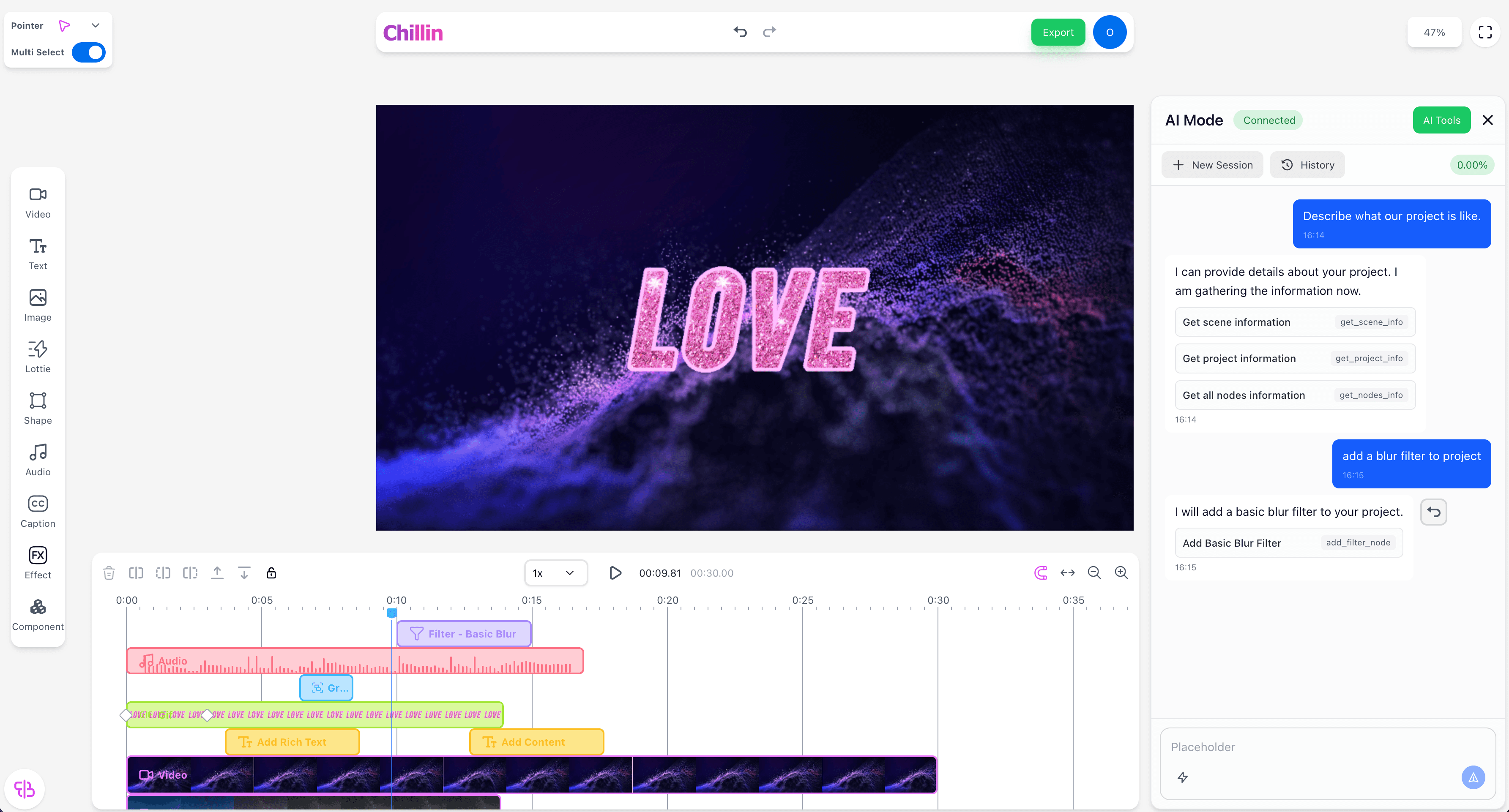
When an element has a type of Video, Image, Text, Shape, Caption, or 3D, it is considered a view element.
A view element includes the following common parameters:
| Prop | Type | Required | Example | Value Range | Description |
|---|---|---|---|---|---|
| x | number | true | 219.7891655835374 | - | The horizontal position of the element on the canvas, in pixels. |
| y | number | true | 118.11410279159713 | - | The vertical position of the element on the canvas, in pixels. |
| anchorX | number | true | - | - | The x-coordinate of the anchor point relative to the element, in pixels. |
| anchorY | number | true | - | - | The y-coordinate of the anchor point relative to the element, in pixels. |
| rotation | number | true | -0.4599415612411819 | >= 0 | The rotation angle of the element, in degrees (clockwise). |
| scaleX | number | true | 1 | > 0 | The horizontal scaling factor of the element. A value greater than 1 enlarges the element, while a value between 0 and 1 shrinks it. |
| scaleY | number | true | 1 | > 0 | The vertical scaling factor of the element. A value greater than 1 enlarges the element, while a value between 0 and 1 shrinks it. |
| skewX | number | false | 0 | >= 0 | The horizontal skew angle of the element, in degrees. |
| skewY | number | false | 0 | >= 0 | The vertical skew angle of the element, in degrees. |
| alpha | number | true | 1 | 0 - 1 | The opacity of the element. A value of 1 means fully visible, while 0 means fully transparent. |
| z | number | false | 0 | - | The depth position of the element in 3D space. Units are aligned with pixels, where z=0 corresponds to the canvas plane. Primarily used for 3D elements. |
| rotationX | number | false | 30 | - | Rotation around the X-axis, in degrees. Used for 3D transformations. |
| rotationY | number | false | 45 | - | Rotation around the Y-axis, in degrees. Used for 3D transformations. |
| scaleZ | number | false | 1 | > 0 | The scaling factor along the Z-axis. A value greater than 1 enlarges the element in depth, while a value between 0 and 1 shrinks it. Used for 3D elements. |
| blendMode | string | false | normal | normal, multiply, screen, overlay, darken, lighten, color-dodge, color-burn, hard-light, soft-light, difference, exclusion | The blend mode used when compositing this element with others. Determines how colors are combined. |
| keyframes | array | false | - | - | An array of keyframes defining animation states and transitions for the video element. |
1
2{
3 "id": "bba95c7f-652b-4380-b166-6bece989f527",
4 "type": "Image",
5 "start": 0,
6 "duration": 5,
7 "trackIndex": 0,
8 "x": 0,
9 "y": 0,
10 "width": 3629,
11 "height": 5444,
12 "blendMode": "normal",
13 "anchorX": 1814.5,
14 "anchorY": 2722,
15 "rotation": 0,
16 "scaleX": 0.19838354151359294,
17 "scaleY": 0.19838354151359294,
18 "alpha": 1,
19 "skewX": 0,
20 "skewY": 0,
21 "hidden": false,
22 "locked": false,
23 "keyframes": [],
24 "externalUrl": "https://images.pexels.com/photos/33189512/pexels-photo-33189512.jpeg",
25 "ext": "jpeg"
26}
27