Getting Started

The Chillin Render API allows you to specify the video content and parameters to be rendered by defining a JSON structure like the one below.

  • Go to Render Console to get Render API credits and generate your Render API key

  • Send a POST request to the Render API endpoint with your API key:

curl-example.sh
1curl -X POST https://render-api.chillin.online/render/v1 \ 2-H "Accept: application/json" \ 3-H "Content-Type: application/json" \ 4-H "Authorization: Bearer YOUR_API_KEY" \ 5-d @request.json
request.json
1{ 2"compositeWidth": 1920, 3"compositeHeight": 1080, 4"fps": 30, 5"projectData": { 6 "type": "", 7 "width": 1920, 8 "height": 1080, 9 "fill": "#000000", 10 "view": [ 11 { 12 "id": "bba95c7f-652b-4380-b166-6bece989f527", 13 "type": "Image", 14 "start": 0, 15 "duration": 5, 16 "trackIndex": 0, 17 "x": 0, 18 "y": 0, 19 "width": 3629, 20 "height": 5444, 21 "blendMode": "normal", 22 "anchorX": 1814.5, 23 "anchorY": 2722, 24 "rotation": 0, 25 "scaleX": 0.19838354151359294, 26 "scaleY": 0.19838354151359294, 27 "alpha": 1, 28 "skewX": 0, 29 "skewY": 0, 30 "hidden": false, 31 "locked": false, 32 "keyframes": [], 33 "externalUrl": "https://images.pexels.com/photos/33189512/pexels-photo-33189512.jpeg", 34 "ext": "jpeg" 35 } 36 ], 37 "audio": [], 38 "effect": [], 39 "transition": [], 40 "version": 0, 41 "duration": 5 42} 43}; 44

The API operates in async mode and returns a response like this:

async_response.json
1{ 2"code": 0, 3"data": { 4 "message": "Async render request submitted successfully", 5 "render_id": 100000, 6 "status": "processing" 7}, 8"msg": "success" 9} 10

Core Concepts

All JSON objects include a video project object, specifying the video's composite width, composite height, and resolution.

The project object contains the basic parameters for rendering the video, such as width, height, duration, background color, and more.

The project also includes one or more elements, where each element represents a video component, such as a video, image, text, shape, audio, or effect.

Each element contains specific parameters for the component, such as position, size, color, content, and so on.

project.json
1{ 2"compositeWidth": 1920, 3"compositeHeight": 1080, 4"fps": 30, 5"projectData": { 6 "type": "", 7 "width": 1920, 8 "height": 1080, 9 "fill": "#000000", 10 "view": [ 11 { 12 "id": "8ecf7475-2c6c-47f9-827b-a09c7913f4c0", 13 "type": "Image", 14 "start": 0, 15 "duration": 5,

3D Space & Camera

The rendering engine supports both 2D and 3D elements. While the canvas is defined with width and height in pixels, the engine uses a perspective camera for 3D rendering:

  • Coordinate System: The x and y coordinates represent positions on the 2D canvas plane. The z coordinate controls depth in 3D space.
  • Pixel-Perfect Projection: At z=0, one world unit equals one pixel, maintaining compatibility with 2D workflows.
  • 3D Rotations: Elements can be rotated around the X, Y, and Z axes using rotationX, rotationY, and rotation (Z-axis) properties.

This design allows seamless mixing of 2D and 3D elements in the same project. Traditional 2D elements (with z=0) render exactly as before, while 3D elements can be positioned and rotated in three-dimensional space.

3D Element Example

Here's a simple example of a 3D cube element:

3d-cube-example.json
1{ 2"id": "3d-cube-001", 3"type": "3D", 4"start": 0, 5"duration": 5, 6"trackIndex": 0, 7"x": 960, 8"y": 540, 9"z": 0, 10"width": 200, 11"height": 200, 12"anchorX": 100, 13"anchorY": 100, 14"rotation": 0, 15"rotationX": 30, 16"rotationY": 45, 17"scaleX": 1, 18"scaleY": 1, 19"scaleZ": 1, 20"alpha": 1, 21"ext": "geometry", 22"geometryType": "cube", 23"nodeCategory": "basic", 24"geometryColor": "#4A90E2" 25} 26

Key differences from 2D elements:

  • type: "3D" identifies this as a 3D element
  • z, rotationX, rotationY, and scaleZ enable 3D transformations
  • geometryType specifies the 3D shape (cube, sphere, cylinder, etc.)
  • geometryColor sets the base color of the 3D geometry

For more details on 3D elements, see the 3D Element documentation.

JSON Schema

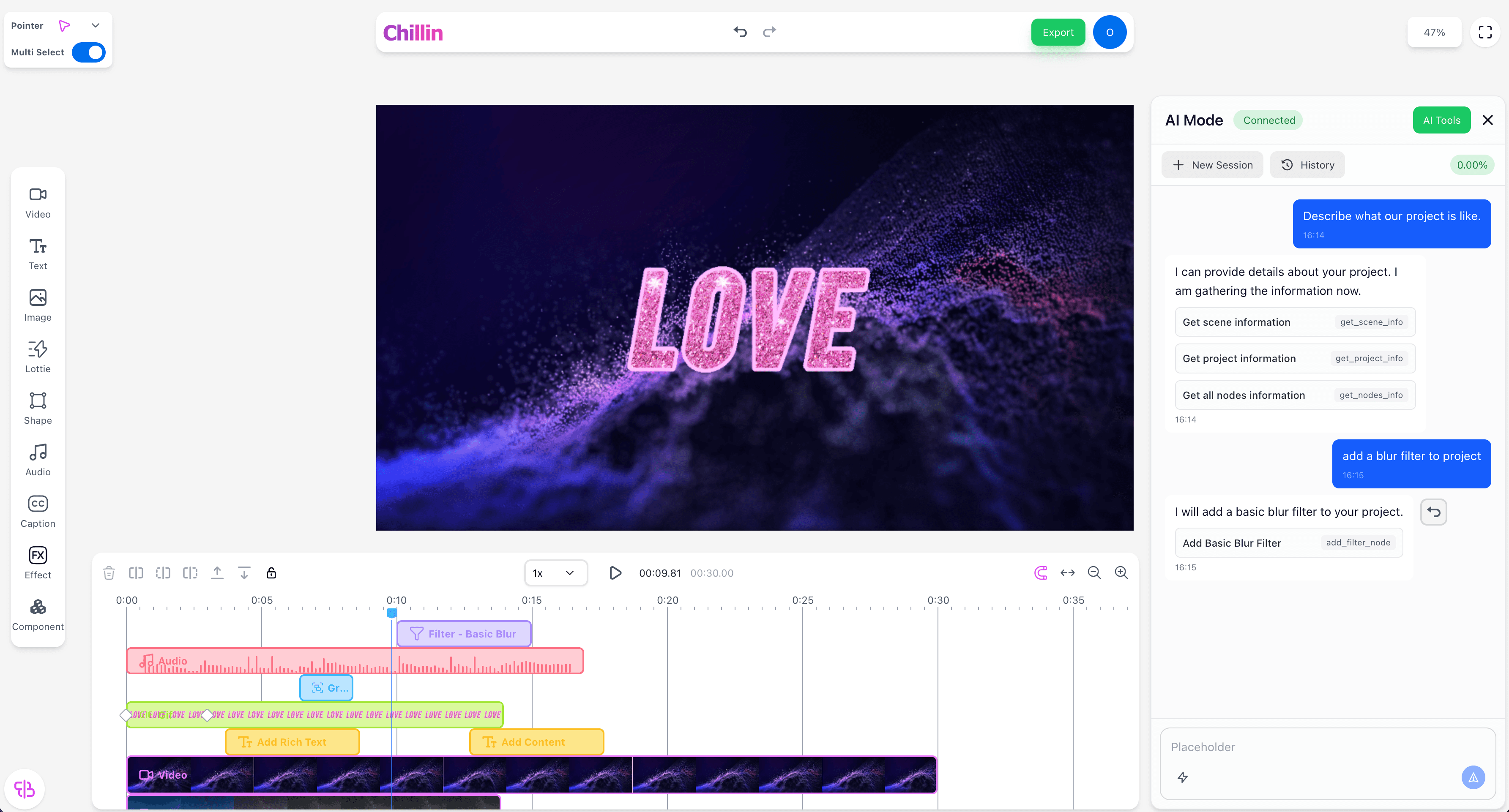
Your request JSON must strictly adhere to the JSON schema defined in this document. You can test and generate the corresponding request JSON in the Chillin Video Editor.